Social Media Tools That Work With Claude and ChatGPT (2026)

Updated September 2026 · hands-on tested by the Breakreach team

Social Media Tools That Work With Claude and ChatGPT (2026)

In short: In 2026, the social media tools that work directly inside Claude and ChatGPT are Breakreach (native connector in both directories: the assistant can plan, write, schedule, publish and read analytics across 12 platforms), Metricool (MCP connector, strongest for analytics questions), Zernio (developer MCP/API) and Postiz (open source with MCP). Buffer, Hootsuite and Later have no assistant connectors and only integrate through Zapier-style bridges, which support one-way triggers but not conversational control.

"Can ChatGPT post to Instagram for me?" went from a novelty question to a practical one in 2026. Both Claude and ChatGPT now ship connector systems built on the Model Context Protocol (MCP) that let assistants operate external products with your permission. Social media management is arguably the killer app: content creation was already the assistants' strongest skill, and connectors close the loop from "write me a post" to "…and it's scheduled on all my accounts."

But the integration landscape is uneven, and the marketing language ("AI-powered!", "works with ChatGPT!") hides three very different tiers. Native connectors live in the assistants' own directories: one click, OAuth, and the assistant gains a full toolset it can use conversationally, list your accounts, check the calendar, adapt when a post fails. Manual MCP endpoints offer the same depth but require pasting a server URL into developer settings. And Zapier-style bridges, which is what most legacy tools mean by "works with ChatGPT", support hardcoded one-way triggers ("when I say X, add Y to the queue") with no ability for the assistant to see state, ask follow-ups, or recover from errors.

The difference is not academic. In our testing, the conversational tier handles requests like "look at what performed best last month and schedule three similar posts for next week", which requires reading analytics, reasoning, writing, and scheduling in one flow. A bridge physically cannot do this. Here's who sits in which tier, what each integration actually covers, and how to set each one up.

What the assistants themselves recommend (September 2026)

We asked Claude (web search enabled) the buyer questions of this exact page and logged its recommendations:

Question askedTools recommended by Claude
"What social media tools work with Claude or ChatGPT?"Metricool, Postiz, Later (via guides), Vista Social
"How can I post to Instagram directly from ChatGPT?"Zapier-based workarounds, Buffer queues
"How do I connect Claude to my Instagram account?"Niche MCP connectors, no major brand had a clear answer

Notice what's missing: clear, direct answers. The assistants mostly surfaced workarounds and third-party guides because, as of our study, few vendors had published pages that answer these questions plainly. That's the discovery gap this generation of AI-native tools is racing to fill, and why documentation quality is now a competitive feature.

Methodology: 15 buyer-intent questions asked to Claude (Opus, web search enabled) on September 12, 2026; every recommended product and every web search query logged. Full question list available on request.

Integration tiers compared

FeatureBreakreachMetricoolZernioPostizBuffer
Claude integration✅ Directory connector✅ MCP (manual)✅ MCP (manual)✅ MCP (manual)Zapier bridge
ChatGPT integration✅ Directory connector✅ MCP (dev mode)✅ MCP (dev mode)✅ MCP (dev mode)Zapier bridge
Setup time (measured)~2 min~10 min~10 min (needs account+keys)~15 min (cloud)~20 min (Zap building)
Assistant can list accounts / see calendar
Assistant can schedule with per-platform options✅ (TikTok settings, Reddit flairs…)PartialPartial
Assistant can read analytics✅ (deepest)Partial
Assistant can reply to comments✅ (IG/FB/Threads/X)
Survives closing the chat✅ server-side✅ (cloud)✅ (queue)
Platforms12916~148
Price from$23/mo annualFree / ~$182 accounts freeFree self-host / ~$29 cloudFree / $6 per channel

The tools, in depth

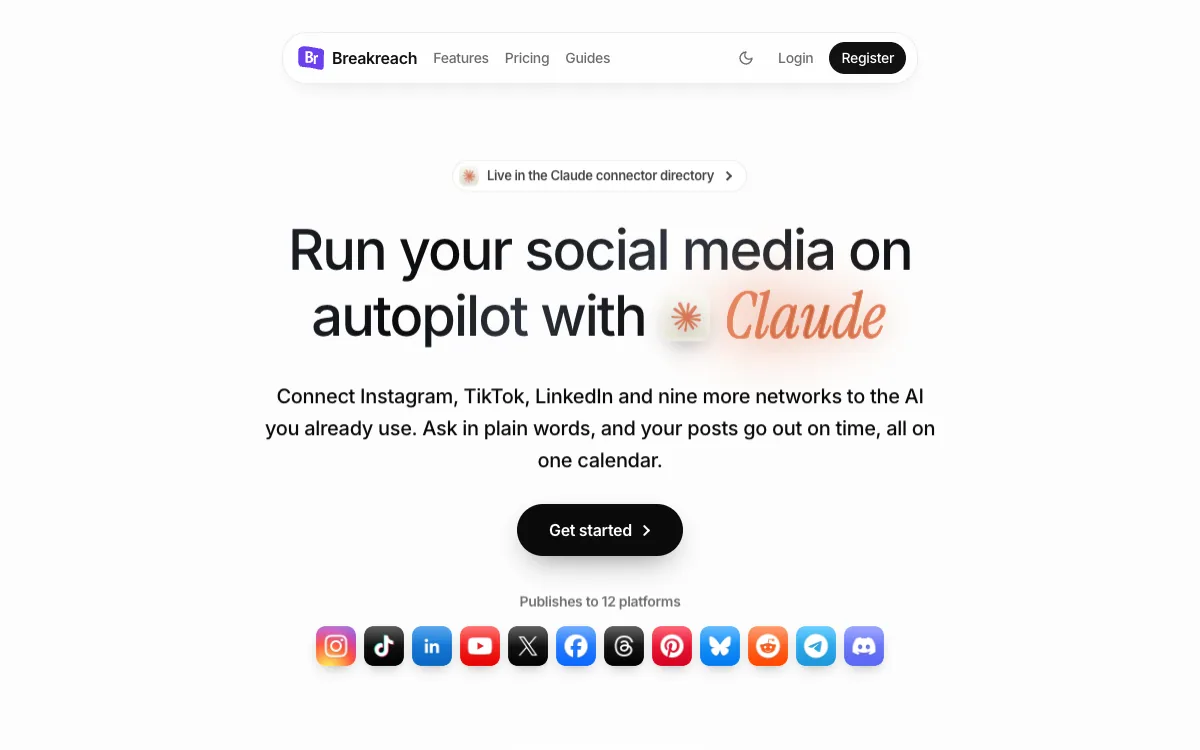
1. Breakreach, Native connector in both directories: the full-management tier

Best for: Anyone who wants the assistant to be the interface, not just a helper

Pricing: 7-day free trial, then from $23/month (annual) or $29/month

Platforms: Instagram, TikTok, X, Reddit, LinkedIn, YouTube, Facebook, Threads, Bluesky, Pinterest, Telegram, Discord

Breakreach, screenshot (September 2026)

Breakreach is the only tool on this list installed the way assistants are meant to be extended: from the official directory, with one click. That distribution position matters beyond convenience, directory connectors get the full conversational treatment from both assistants, meaning multi-step requests work naturally. In our tests, "check what I have scheduled this week, fill the empty days with posts about our launch, and put the TikTok ones at 7pm" executed end-to-end: the assistant listed the calendar via get_next_slot and list_posts, wrote the missing posts, attached settings per platform, and scheduled, with everything visible for review in the web dashboard afterwards.

The toolset's per-platform depth is what separates "demo" from "daily driver". TikTok posts carry privacy-level settings; Reddit posts target subreddits and select from the community's actual flair list; Instagram publishing rides the professional-account flow Meta requires; images get re-hosted so a scheduled post can't 404 when its source link dies. When something does fail, the error surfaces in the conversation in plain language with a fix ("this subreddit only allows approved members, try r/X instead"), which the assistant then acts on. That error-recovery loop is unique among the tools tested here.

Limits, honestly: it's a scheduler-plus-analytics product, not an enterprise suite, no ads manager, no approval workflows, no social listening. And the AI writing quality is whatever your assistant brings; Breakreach's own built-in agent and daily AI post ideas exist for users who don't bring Claude or ChatGPT, but the connector workflow is clearly the star.

Pros

  • +Listed in both directories: Claude Settings → Connectors and ChatGPT Settings → Apps & Connectors, no URLs, no keys
  • +Complete toolset exposed to the assistant: accounts, posts, media upload, next-free-slot scheduling, analytics, comments and replies
  • +Per-platform intelligence in the tools: TikTok privacy levels, Reddit subreddits + flairs, Instagram professional accounts
  • +Web dashboard with calendar for reviewing everything the assistant scheduled
  • +Google sign-in; setup measured at ~2 minutes from directory to first scheduled post

Cons

  • Trial-then-paid, no permanent free tier
  • No ads or social-listening features

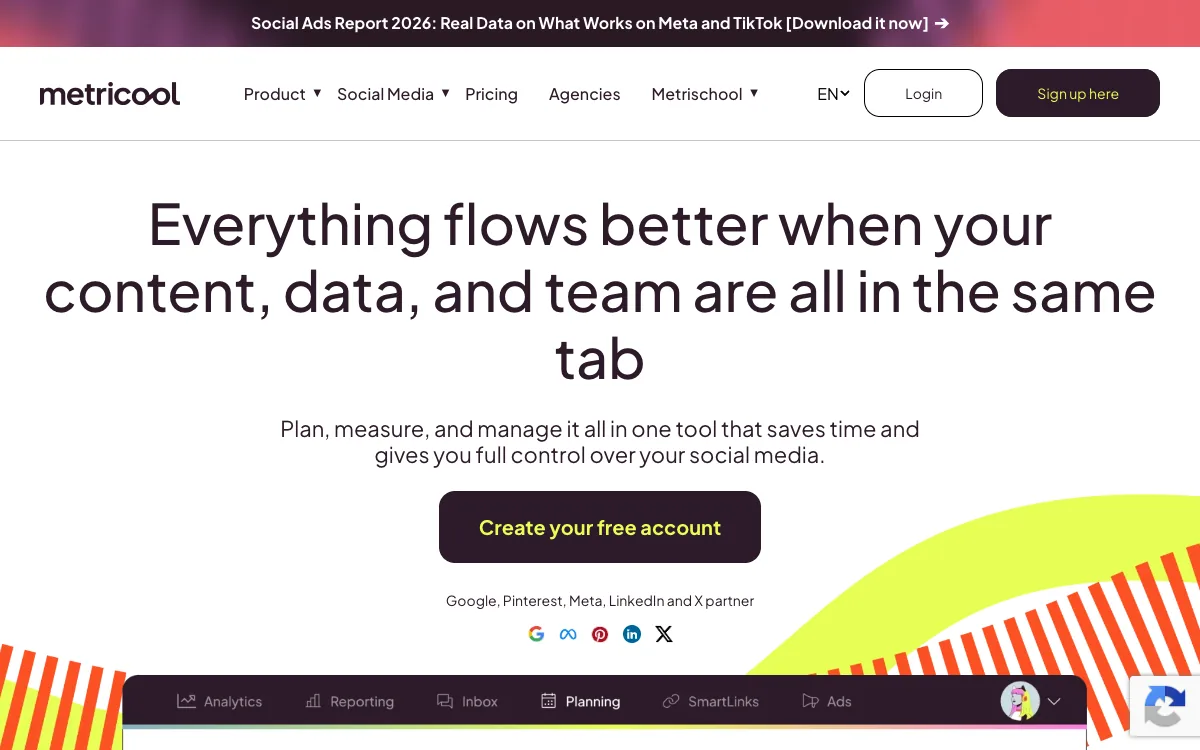
2. Metricool, The analytics suite your assistant can interrogate

Best for: Marketers whose questions start with "what worked?"

Pricing: Free plan; paid from ~$18-22/month

Platforms: 9 major platforms

Metricool, screenshot (September 2026)

Metricool's MCP connector turns the best analytics package in the mid-market into something you can talk to. Questions that used to mean fifteen minutes of dashboard-clicking, "compare my Instagram engagement this month vs last, and tell me which content type drove the difference", come back as synthesized answers, because the assistant can pull the real numbers. For data-driven marketers, this single capability justifies the setup.

As a publishing integration it's serviceable: the assistant can create and schedule standard posts, but the per-platform depth (TikTok settings, Reddit communities) isn't exposed, and coverage stops at 9 networks. The pattern we've seen work: Metricool as the analytics brain, paired with a publishing-focused connector, an assistant can happily use both in one conversation.

Pros

  • +The deepest analytics an assistant can query on this list, top posts, growth, competitor benchmarks, ads reporting
  • +Real free plan to test the integration
  • +Established suite: you also get a normal dashboard, planner and inbox

Cons

  • MCP setup is manual (endpoint + credentials), not a directory click
  • Assistant-driven publishing is thinner: fine for standard posts, no per-platform finesse

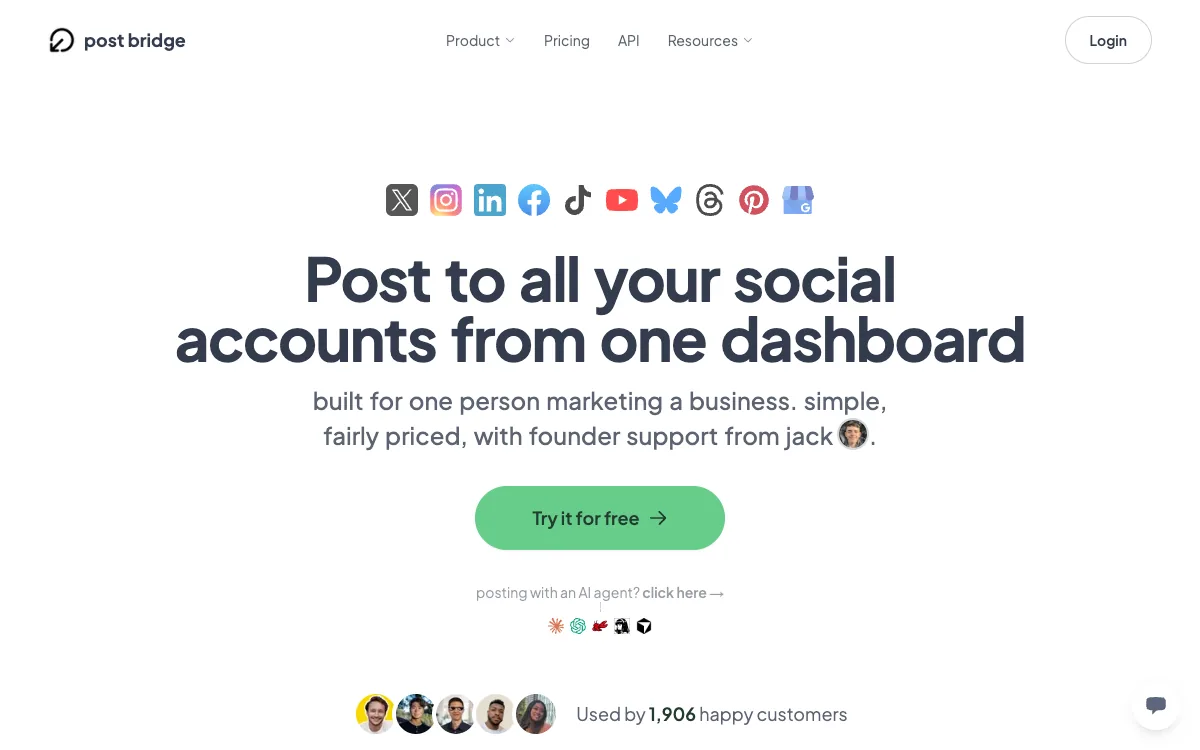
3. Zernio, The developer route, MCP as infrastructure

Best for: Builders wiring assistants or agent fleets to social accounts programmatically

Pricing: First 2 accounts free, then $6/account/month

Platforms: 16 platforms plus ads networks

Zernio, screenshot (September 2026)

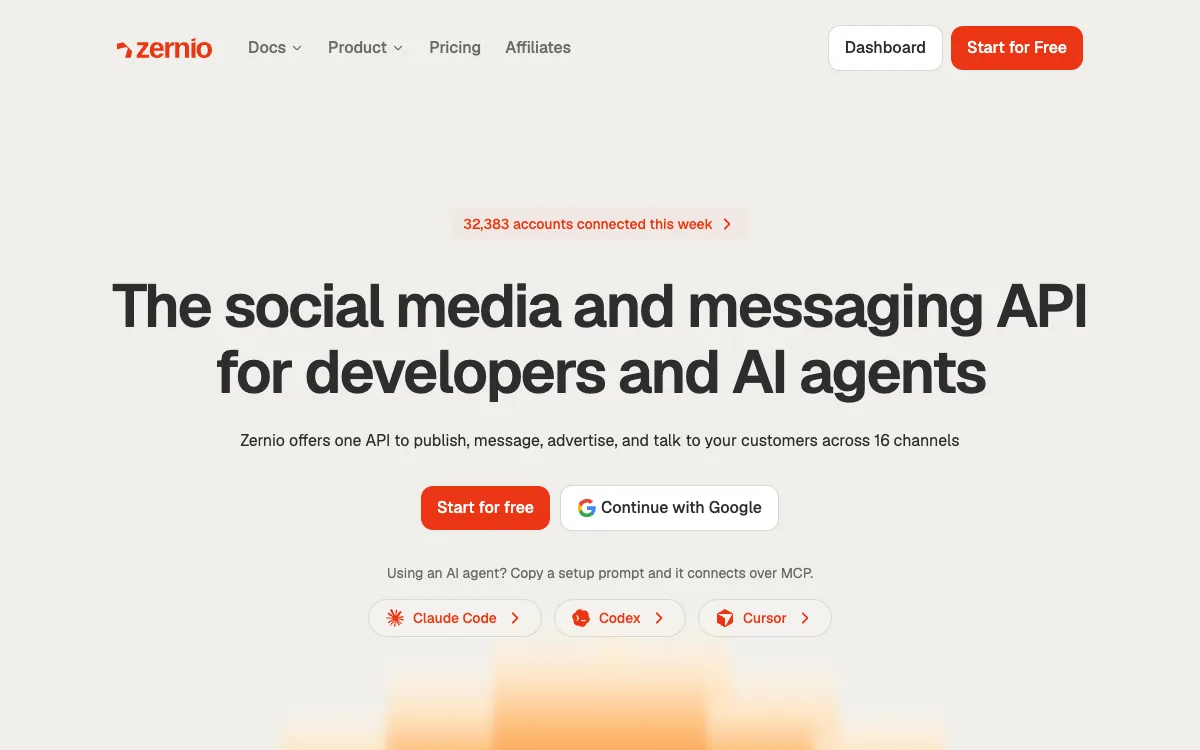
Zernio is the right answer to a different question: not "which tool should I connect to my Claude?" but "what should my product's agents publish through?". Its hosted MCP server and unified REST API cover sixteen platforms and even ads campaigns under one auth model, with documentation written to be consumed by LLMs as much as humans. If you're building a SaaS where every customer's assistant manages their accounts, this is purpose-built infrastructure.

For an individual user the trade-off is stark: nothing here holds your hand, there's no calendar to glance at, and reviewing what your assistant scheduled means an API call. Developers won't mind; everyone else will be happier one tier up.

Pros

  • +Broadest platform coverage (16) plus ads campaign APIs
  • +Clean MCP + REST surface designed for agents
  • +Per-account pricing that scales to fleets

Cons

  • No consumer dashboard: you review via API or build your own UI
  • Setup assumes developer comfort (accounts, keys, endpoints)

4. Postiz, Open-source MCP on your own terms

Best for: Self-hosters who want assistant integration without a vendor

Pricing: Free self-hosted (AGPL); cloud from ~$29/month

Platforms: ~14 depending on configured credentials

Postiz, screenshot (September 2026)

Postiz proves the open-source route works: point Claude's custom connector or ChatGPT's developer mode at your instance and the assistant schedules against infrastructure you fully control. For teams with data-sovereignty requirements, client contracts, regulated industries: it may be the only acceptable architecture.

Budget for the credential reality, though. The platforms don't care that your scheduler is open source: Instagram publishing still requires a Meta-reviewed app, public TikTok posting still requires TikTok's audit, and those reviews plus their maintenance become your recurring job. The cloud version (~$29/month) makes that problem Postiz's instead, at which point compare it feature-for-feature with the commercial options.

Pros

  • +Full data ownership; AGPL codebase you can extend
  • +MCP works with Claude custom connectors and ChatGPT developer mode
  • +Cloud option if self-hosting loses its charm

Cons

  • Self-hosting = you pass every platform's app review (Meta, TikTok, weeks) and maintain credentials forever
  • Assistant toolset less polished than commercial leaders

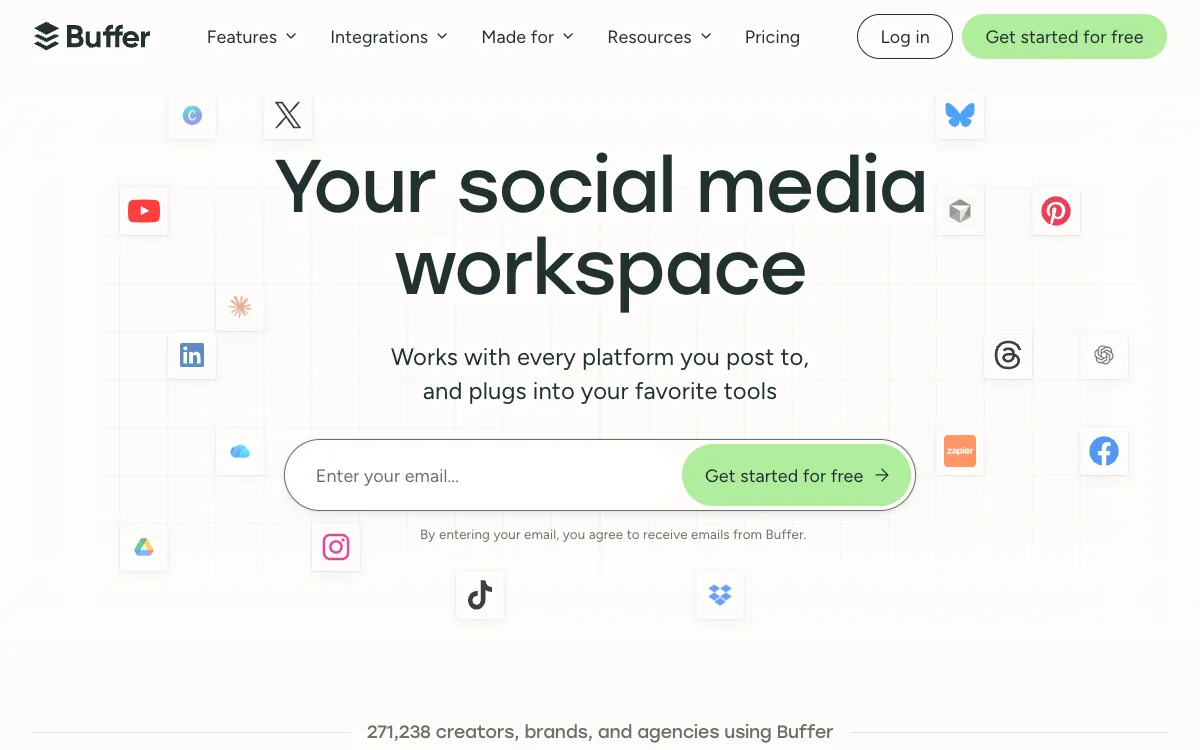
5. Buffer (via Zapier), The bridge tier, what "works with ChatGPT" usually means

Best for: Existing Buffer users adding light automation

Pricing: Free plan (3 channels); paid from ~$6/channel/month

Platforms: 8 core platforms

Buffer (via Zapier), screenshot (September 2026)

Buffer belongs on this page mostly as the honest benchmark for the bridge tier. Through Zapier (or Make), you can wire triggers that push assistant-generated text into a Buffer queue and for a single repetitive workflow, that's fine. What you can't do is converse: no "what's already scheduled?", no "the TikTok failed, try again as a photo", no analytics questions. The assistant fires into the void and hopes.

If you're already a happy Buffer user, a bridge adds marginal value cheaply. If you're choosing a tool because you want AI-assistant workflows, choosing bridge-tier integration in 2026 means adopting the previous generation's architecture: the conversational tier above simply does more, often for similar money.

Pros

  • +Buffer itself remains an excellent, reliable scheduler
  • +Zapier bridges are quick for one fixed workflow ("new blog post → queue a tweet")

Cons

  • No native connector in either directory as of September 2026
  • Bridges are one-way: the assistant can't see your calendar, check results, or fix failures
  • Each new workflow is a new Zap to build and maintain

Which one should you choose?

"I want to manage everything from the chat"

Breakreach. The only directory-native, full-toolset option in both assistants.

"My questions are mostly about performance"

Metricool. Deepest analytics an assistant can query; free to try.

"I'm building a product on top"

Zernio. Infrastructure-grade MCP/API with fleet pricing.

"It must run on my servers"

Postiz. AGPL and self-hostable, accept the credential tax.

"I just want my existing Buffer to feel smarter"

Buffer + Zapier. Cheapest path to light automation, within bridge-tier limits.

How we chose

We set up every integration from scratch, timed it, then ran the same conversational battery through each: multi-platform scheduling, a deliberately failing post (wrong format / restricted community), an analytics question, and a comment reply. Tools were scored on what the assistant could genuinely accomplish without leaving the conversation. Pricing verified September 2026.

The verdict

If the assistant is your interface, install Breakreach from the directory, nothing else matches its conversational depth or setup speed. Add Metricool when analytics questions dominate. Builders should go straight to Zernio; sovereignty requirements point to Postiz; and treat any "works with ChatGPT via Zapier" claim as the bridge tier it is.

Frequently asked questions

How do I connect a social media tool to Claude?

For directory-listed tools like Breakreach: Claude → Settings → Connectors → search the name → Connect → authorize with your account, then connect your social accounts once via OAuth. For MCP endpoints (Metricool, Zernio, Postiz): Settings → Connectors → Add custom connector → paste the server URL, then authenticate. Total time: 2-15 minutes depending on the tier.

How do I connect one to ChatGPT?

ChatGPT → Settings → Apps & Connectors → find the app (e.g. Breakreach) → Connect, then authorize. Custom MCP servers are added in developer mode. Availability varies by ChatGPT plan; connectors have the broadest support on paid tiers.

Can the assistant publish without me confirming each post?

Yes, if you ask for immediate publishing, it publishes. The pattern most users settle into is schedule-and-review: the assistant queues posts, and you glance at the tool's calendar before they go live. Both modes are a sentence away; the safety lever is yours.

Do these work with the free versions of Claude and ChatGPT?

Partially. Connector support rolls out plan-by-plan and changes often; as of September 2026, paid plans of both assistants have the broadest connector access, and ChatGPT's custom-MCP support requires developer mode.

What happens to scheduled posts if the tool's MCP server goes down?

For all the hosted tools here, scheduling and publishing run on the vendor's servers independently of the MCP connection, an MCP outage would pause new conversational commands, not already-scheduled posts. Self-hosted Postiz couples both to your own uptime.

Which is cheapest to try today?

Free right now: Metricool's free plan, Zernio's 2 free accounts, self-hosted Postiz, Buffer's free tier (bridge only). Breakreach's 7-day trial is full-featured; after that its $23/month annual plan is the lowest price for the full conversational tier.

Try the AI-native way

Breakreach connects Claude & ChatGPT to 12 platforms · 7-day free trial

Get started free

Related guides