 Guide · Instagram
Instagram post size (2026).Every format in pixels, and what the grid crops.
The best Instagram post size is 1080 × 1350 pixels (4:5): it takes the most room in the feed, and it is the tallest size scheduling tools can publish. The app also accepts 1080 × 1440 (3:4) since May 2025, square 1080 × 1080 and landscape 1080 × 566.
Updated September 2026 · Sources: Instagram Help Center, Meta for Developers, Meta ads guide
| Format | Size in pixels | Ratio | Limits |
|---|---|---|---|
| Portrait postThe default for the feed | 1080 × 1350 | 4:5 | Tallest ratio Instagram's API accepts, so the one to use for scheduled posts |
| Tall portrait postFills the profile grid tile exactly | 1080 × 1440 | 3:4 | In the app since May 2025. The API refuses it |
| Square postThe original format | 1080 × 1080 | 1:1 | Loses its sides in the 3:4 profile grid |
| Landscape postThe widest the feed shows | 1080 × 566 | 1.91:1 | Anything wider is cropped to 1.91:1 |
| CarouselUp to 20 photos and videos | 1080 × 1350 | One for all | Every slide takes the first one's ratio. 10 slides through the API |
| ReelReels, and the cover image | 1080 × 1920 | 9:16 | At least 720 px wide and 30 fps. Up to 20 minutes |
| StoryStories, photo or video | 1080 × 1920 | 9:16 | Up to 60 seconds per clip |
| Profile photoShown as a small circle | 320 × 320 | 1:1 | No official size: 320 px is common practice |
Resize a photo for Instagram.See the grid crop before you post.
 northbeam.coffee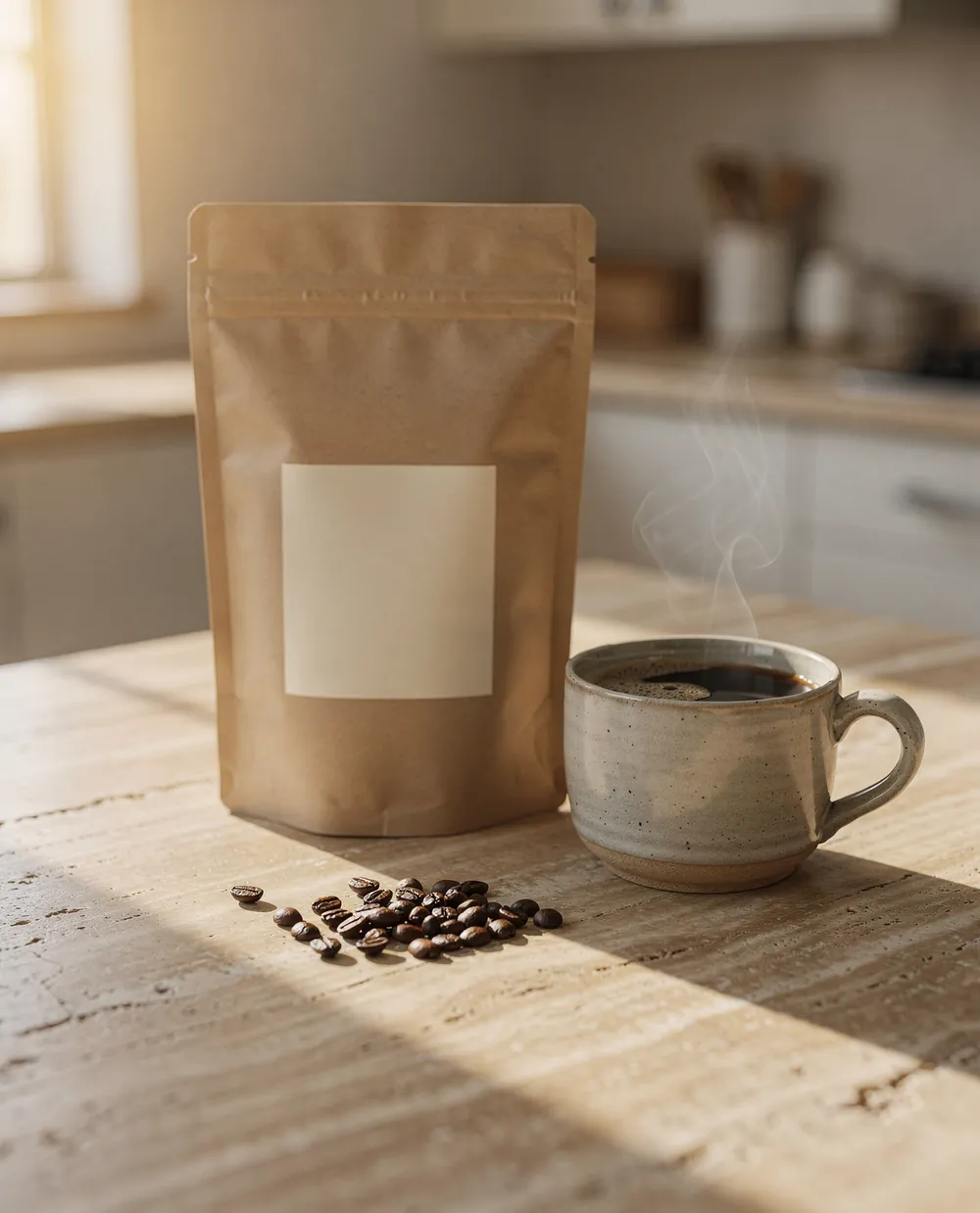
northbeam.coffee Meet Morning Light, our new blend. Honey, orange and cocoa notes, out tomorrow.
Drag the image to reframe it, or drop your own here
Format
JPG. Your image never leaves your browser.
Portrait posts: 4:5 or 3:4?1080 × 1350 or 1080 × 1440.
Portrait is the size to use by default: a tall post takes more of the screen than a square or a landscape one. Until 2025 the tallest ratio was 4:5, 1080 × 1350 pixels. On May 29, 2025, Instagram added 3:4, or 1080 × 1440, the ratio most phone cameras shoot in, so a photo straight from the camera no longer loses its top and bottom.
Which one to pick depends on how you post. Posting from the app, use 3:4: it is taller, and it matches the profile grid tile exactly, so what people see in the feed is what they see on your profile. Posting through a scheduler, use 4:5. Instagram's API, the one every scheduling tool goes through, still accepts ratios from 4:5 to 1.91:1 only and rejects a 3:4 image outright. If you schedule, export at 1080 × 1350 and keep the subject inside the middle, where the grid crop won't reach it.
- 4:5, 1080 × 1350Works everywhere: the app, the API, every scheduler. Loses about 34 pixels on each side in the profile grid.
- 3:4, 1080 × 1440The tallest in the app, and a perfect fit for the grid. Refused by the API with error 36003.
Square and landscape posts
A square post is 1080 × 1080. It is still a good fit for product shots and text graphics, but it now takes less room in the feed than a portrait post, and the profile grid cuts about an eighth off each side.
A landscape post is 1080 × 566 (1.91:1), the widest ratio Instagram shows. Wider images, like a 16:9 video still at 1080 × 608 or a panorama, are cropped to 1.91:1 when you upload them. Landscape posts are the smallest on a phone screen, and in the grid only the middle 40% of the picture shows, so keep them for images that only make sense wide.
Instagram's own rule covers all of it: upload at least 1080 pixels wide, with a ratio between 1.91:1 and 3:4. Smaller photos are enlarged to 320 pixels wide at least, larger ones are scaled down to 1080, and anything outside the range is cropped to fit.
Carousel size: one ratio for every slide
A carousel holds up to 20 photos and videos in the app, and every slide takes the orientation of the first one: square, portrait or landscape. You can't mix a portrait slide with a landscape one, so crop every image to the same ratio before you start, 1080 × 1350 for most carousels.
Through the API the limit is lower: 10 items, all cropped to the first image's ratio, and Reels can't be part of one. That is why scheduling tools cap carousels at 10.
How your post looks on the profile gridA 3:4 crop of every post.
Since January 2025 the profile grid shows tall tiles instead of squares. Instagram hasn't published their ratio, but the tiles on instagram.com measure 3:4. Every post is centre-cropped to fit: a 3:4 post shows whole, a 4:5 post loses a thin strip on each side, a square post loses about 12% on each side, and a landscape post keeps only its middle.
Reels get the same tile: the middle 1080 × 1440 of a 1080 × 1920 frame, so the top and bottom 240 pixels never show on your profile. Turn on the grid crop in the resizer above to see what your own image keeps.
Reels and Stories: size and safe zones
Reels and Stories are vertical: 1080 × 1920 pixels, 9:16. Instagram accepts Reels from 1.91:1 to 9:16, at least 720 pixels wide and 30 frames per second, and up to 20 minutes long, though Reels over 3 minutes aren't recommended to people who don't follow you. A Story shows up to 60 seconds per clip; longer videos are split into several.
The app draws its interface over the top and bottom of both. Meta's guidance is to keep the top 14%, the bottom 35% and 6% on each side free of text and faces: on a 1080 × 1920 frame, that is 269 pixels at the top, 672 at the bottom and 65 on each side. The often-quoted 250 and 340 pixels are an older version of that advice.
Why Instagram lowers your photo quality
Instagram re-encodes every photo. Most of the blur people notice comes from uploading at the wrong size: a 4000-pixel photo is scaled down to 1080 by Instagram's encoder, and a 600-pixel one is stretched. Export at exactly 1080 pixels wide, in sRGB, as a JPEG at high quality, and the version Instagram stores stays close to yours.
- Upload at 1080 pixels wideInstagram stores feed photos at up to 1080 wide. Anything larger is resized by Instagram, anything smaller is enlarged.
- Keep the ratio in rangeA photo outside 1.91:1 to 3:4 gets cropped, and the crop may not be the one you want.
- Upload at the highest qualityThe app has a setting for it under data usage and media quality, so a slow connection doesn't lower the upload.
 Breakreach
Schedule it at the size it was made for. Breakreach publishes photos, Reels and Stories to Instagram at the time you pick, from ChatGPT, Claude or the calendar. A 3:4 photo is cropped to 4:5 from the centre before it's sent, so it goes out instead of being refused by the API.
Schedule an Instagram post4 queue slotsMorning Light, in portrait11:00 AM Roastery1:00 PM
 Pour-over12:00 PM
How to post a photo without cropping it
If your photo is taller than 3:4, like a 9:16 screenshot, or wider than 1.91:1, like a panorama, Instagram will crop it. Two ways to keep the whole picture:
- Crop it yourself firstPick the part that matters in the resizer above, at 1080 × 1440 or 1080 × 1350, so Instagram has nothing left to cut.
- Add bordersPlace the photo on a 1080 × 1350 canvas with a plain background. The whole picture shows, smaller.
For different sizes in one post, the carousel rule applies: every slide takes the first slide's ratio, so crop them all the same way before you upload.
Profile picture size
Instagram doesn't publish a size for profile pictures. It shows them as a small circle, so the common practice is a square of at least 320 × 320 pixels with the face or logo in the middle: the corners are cut off by the circle.
Sizes, answered.
Short answers about image and video sizes on Instagram.
1080 × 1350 pixels (4:5) for a portrait post, the best default. The app also takes 1080 × 1440 (3:4), 1080 × 1080 for a square and 1080 × 566 for a landscape post. Instagram stores photos at up to 1080 pixels wide.
Feed posts can be anything from 1.91:1 (landscape) to 3:4 (portrait). Reels and Stories are 9:16. The profile grid shows every post as a 3:4 tile.
Since May 29, 2025, Instagram accepts 3:4 photos at 1080 × 1440, the ratio most phone cameras shoot in. The profile grid switched to tall 3:4 tiles in January 2025.
Both: feed posts go up to 4:5 (3:4 in the app), Reels and Stories are 9:16 at 1080 × 1920. A 9:16 image posted to the feed is cropped to 3:4.
Up to 20 photos and videos in one carousel from the app. Scheduling tools that publish through Instagram's API are limited to 10.
Instagram re-encodes every photo and resizes anything that isn't 1080 pixels wide. Export at 1080 pixels wide, in sRGB, as a high-quality JPEG, and turn on the highest-quality upload setting in the app.
4x5. A 5x7 print ratio is taller than 3:4, so Instagram crops it to 3:4. Crop 5x7 photos to 4:5 or 3:4 yourself to choose what stays.
Neither for feed posts: a 16:9 image is wider than 1.91:1 allows and gets cropped, and a 4:3 landscape image shows as is but small. Rotated to portrait, 3:4 is the tallest feed ratio.
Instagram only uses pixels. For print, 1080 × 1350 pixels at 300 dpi is 3.6 × 4.5 inches, or 9.1 × 11.4 cm.
Not as they are. Instagram's API, which every scheduling tool uses, accepts 4:5 to 1.91:1 and rejects 3:4 with error 36003. Breakreach crops a 3:4 photo to 4:5 from the centre before sending it, which takes 45 pixels off the top and the bottom of a 1080 × 1440 image. To choose what stays, crop to 1080 × 1350 yourself before you schedule.






Put your socials on autopilot.Live in two minutes.
Plans from $29 a month. Cancel anytime.