 Guide · LinkedIn
LinkedIn banner size (2026).1584 × 396 at 4:1, up to 8 MB.
The LinkedIn banner size is 1584 × 396 pixels (4:1), in JPG or PNG under 8 MB. LinkedIn now calls it your profile's cover image, and your profile photo sits over its lower left. A Company Page cover is different: 1512 × 256, up to 3 MB.
Updated September 2026 · Sources: LinkedIn Help: profile cover, LinkedIn Pages specs, LinkedIn Events
| Format | Size in pixels | Ratio | Limits |
|---|---|---|---|
| Profile cover imageThe banner behind your profile photo | 1584 × 396 | 4:1 | JPG or PNG, under 8 MB. No GIF |
| Company Page coverThe top of a Company Page | 1512 × 256 | ≈ 5.9:1 | PNG or JPEG, up to 3 MB. Keep the lower right clear |
| Event coverNow 16:9, not 4:1 | 1280 × 720 | 16:9 | At least 480 px wide, 16:9 required |
| Group coverSet by the group owner | 1776 × 444 | 4:1 | JPEG or PNG |
| Profile photoShown as a circle, over the banner | 400 × 400 | 1:1 | 400 × 400 to 7680 × 4320, up to 8 MB |
| Company Page logoPages and their posts | 400 × 400 | 1:1 | At least 268 × 268, up to 3 MB |
| Life tab main imageThe Life tab of a Page | 1128 × 376 | 3:1 | PNG or JPEG, up to 3 MB |
| Article or newsletter coverThe top of an article | 1920 × 1080 | 16:9 | Cropped to 16:9. No GIF |
Resize an image into a LinkedIn banner.With your profile photo where LinkedIn puts it.
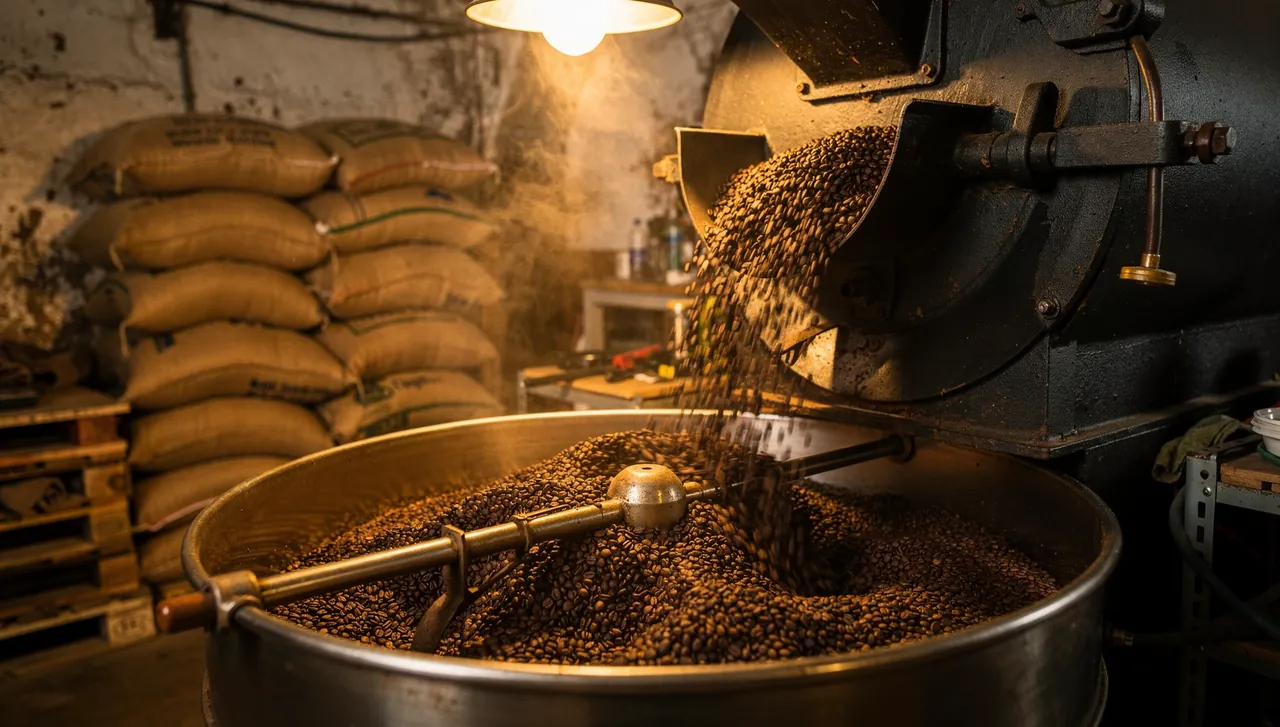

Northbeam Coffee
Specialty roaster in Lyon · Morning Light is out
Drag the image to reframe it, or drop your own here
Format
JPG, kept under 8 MB. Your image never leaves your browser.
Where your profile photo covers the banner
LinkedIn places the cover image behind your profile photo, in the introduction section of your profile. On a computer the photo overlaps the lower left of the banner; how much of the banner shows depends on the screen and the width of the browser window, and LinkedIn publishes no pixel size for either.
So treat the lower-left quarter as covered, and put anything that has to be read, a name, a line of text, a logo, in the centre and right of the banner. The resizer draws the photo where LinkedIn's desktop layout puts it: use it as a guide, not a measure.
Company Page cover: 1512 × 256, not 1128 × 191 or 4200 × 700
The Company Page cover changed twice in two years: 1128 × 191 until 2024, 4200 × 700 in early 2026, and 1512 × 256 now, as both the minimum and the recommended size, PNG or JPEG up to 3 MB. Many guides, and some of the answers search engines show, still give the old numbers.
LinkedIn warns that the cover may be adjusted to fit the screen, trimming it horizontally or vertically, and asks to keep key details away from the edges, especially the lower-right corner. LinkedIn's help for Showcase Pages points to the same spec.
How to add or change your LinkedIn banner
On a computer
- 1. Open your profileClick Me at the top of the homepage, then View Profile.
- 2. Click the camera iconIn the upper right of the introduction section. To replace an existing banner, click the pencil icon on it instead.
- 3. Upload a single photoOr choose one of LinkedIn's images. Crop, adjust and position it, then click Apply.
In the LinkedIn app
Tap your profile photo, then tap it again to open your profile. Tap the camera icon in the upper right of the introduction section, upload a photo or pick one of the images shown, adjust it and tap Save. To change it later, tap the cover image and choose Edit.
On a Company Page
From the Page's super admin view, click the edit icon on the cover image, upload the image and save.
Premium: a slideshow of up to five covers
Premium Business, Sales Navigator and Recruiter subscribers can turn the profile cover into a slideshow of up to five images, changing every three seconds; free members upload a single image. Premium Company Pages get the same option for the Page cover, on desktop only. LinkedIn gives no separate size for slideshow images: use the standard 1584 × 396 and 1512 × 256.
In the United States, LinkedIn also offers a gallery of ready-made cover images that need no repositioning.
Event, Group and other LinkedIn covers
- Event cover: 16:9At least 480 pixels wide, for example 1280 × 720 or 480 × 270. The 1776 × 444 many guides give for events is the Group size.
- Group cover: 1776 × 444JPEG or PNG. Only the group owner can change it.
- Life tab main image: 1128 × 376On Company Pages, up to 3 MB.
- Article and newsletter cover: 1920 × 1080Cropped to 16:9, no GIF. A newsletter logo is 300 × 300.
 Breakreach
Keep the banner, schedule the posts. Breakreach publishes text and image posts to your LinkedIn profile at the time you pick, from ChatGPT, Claude or the calendar. Your banner and Page cover stay in LinkedIn.
Schedule a LinkedIn post4 queue slotsInside the roastery11:00 AMRoastery1:00 PM Pour-over12:00 PM
File size, format, and why your banner looks blurry
The profile cover takes JPG or PNG under 8 MB, and no GIF. When a banner looks blurry, LinkedIn's own advice is to choose an image with a larger file size, and it notes that photos hold up better than images with logos. In practice:
- Export at 1584 × 396 exactlyA smaller image is stretched; a much larger one is recompressed by LinkedIn.
- Save text-heavy banners as PNGJPEG compression blurs the edges of letters. Photos can stay JPEG.
- Don't crop a small part of a photoA 4:1 strip cut from a phone photo keeps few pixels. Start from a wide, large image.
What to put on a LinkedIn banner
One idea, readable at a glance: what you do, a line from your offer, your company's view, an upcoming event. Keep the background calm behind the photo, text on the right, and check it on a phone, where the header is smaller. During a LinkedIn Live, LinkedIn replaces your cover with the stream until it ends.
Other LinkedIn sizes
Post images, link previews, documents and video have their own sizes: 1080 × 1350 for a portrait post, 1200 × 627 for a link preview, PDF documents up to 100 MB and 300 pages. They're all in the LinkedIn image size guide, with its own resizer.
Sizes, answered.
Short answers about image and video sizes on LinkedIn.
1584 × 396 pixels (4:1), JPG or PNG under 8 MB. LinkedIn now calls it the cover image of your profile.
1512 × 256 pixels, both the minimum and the recommended size, PNG or JPEG up to 3 MB. The older 1128 × 191 and 4200 × 700 are out of date.
8 MB for a profile cover, 3 MB for a Company Page cover.
It is usually smaller than 1584 × 396 or heavily compressed. LinkedIn suggests a larger file, and photos look better than logo graphics. Save text as PNG.
Your profile photo covers its lower left, and how much shows depends on the screen and browser width. Keep text in the centre and on the right.
No. LinkedIn doesn't support GIFs for the profile cover: use JPG or PNG.
Not as is: the banner is 4:1, so a 16:9 image is cropped to a thin strip. Crop it to 1584 × 396 first. 1920 × 1080 is the right size for an article cover.
No, 4:1. Event covers are the 16:9 ones, at 1280 × 720 or at least 480 pixels wide.
Tap your profile photo twice to open your profile, then the camera icon in the upper right of the introduction section, or tap the current cover and choose Edit. Adjust it and tap Save.
16:9, at least 480 pixels wide: 1280 × 720 works well. 1776 × 444 is the Group cover size.







Put your socials on autopilot.Live in two minutes.
Plans from $29 a month. Cancel anytime.