 Guide · LinkedIn
LinkedIn image size (2026).Every LinkedIn post size, in pixels.
The best LinkedIn post image size is 1080 × 1350 pixels (4:5), the tallest the feed shows. LinkedIn accepts any ratio from 3:1 to 4:5, recommends 1080 pixels wide and takes up to 5 MB: square 1080 × 1080 and landscape 1200 × 627 work too.
Updated September 2026 · Sources: LinkedIn Help, LinkedIn Pages specs, LinkedIn Marketing API
| Format | Size in pixels | Ratio | Limits |
|---|---|---|---|
| Portrait imageThe most room in the feed | 1080 × 1350 | 4:5 | Tallest ratio LinkedIn shows. Up to 5 MB |
| Square imageSafe on desktop and phone | 1080 × 1080 | 1:1 | Up to 5 MB |
| Landscape imageAlso the link preview size | 1200 × 627 | 1.91:1 | Link previews need more than 200 px wide |
| Widest imageThe widest LinkedIn shows | 1080 × 360 | 3:1 | Wider images are cropped around the centre |
| Multi-image postUp to 20 images | 1080 × 1350 | Up to 4:5 | Each shown at 4:5 at most, laid out from the first image |
| Document (carousel)PDF, PowerPoint or Word | No size set: keep every page the same | Any | Up to 100 MB and 300 pages, one per post |
| VideoLandscape, square or vertical | 256 × 144 to 4096 × 2304 | 1:2.4 to 2.4:1 | Up to 15 minutes and 5 GB |
| Profile photoShown as a circle | 400 × 400 | 1:1 | At least 400 × 400, up to 8 MB |
| Profile backgroundBehind your photo, which covers its lower left | 1584 × 396 | 4:1 | Up to 8 MB, PNG or JPG |
| Company Page coverThe top of a Company Page | 1512 × 256 | ≈ 5.9:1 | Up to 3 MB. Keep the lower right clear |
| Company Page logoPages and their posts | 400 × 400 | 1:1 | At least 268 × 268, up to 3 MB |
| Article or newsletter coverThe top of an article | 1920 × 1080 | 16:9 | Cropped to 16:9. No GIF |
Resize an image for LinkedIn.See it in the feed, at the size you picked.

Meet Morning Light, our new blend. Honey, orange and cocoa notes, out tomorrow.
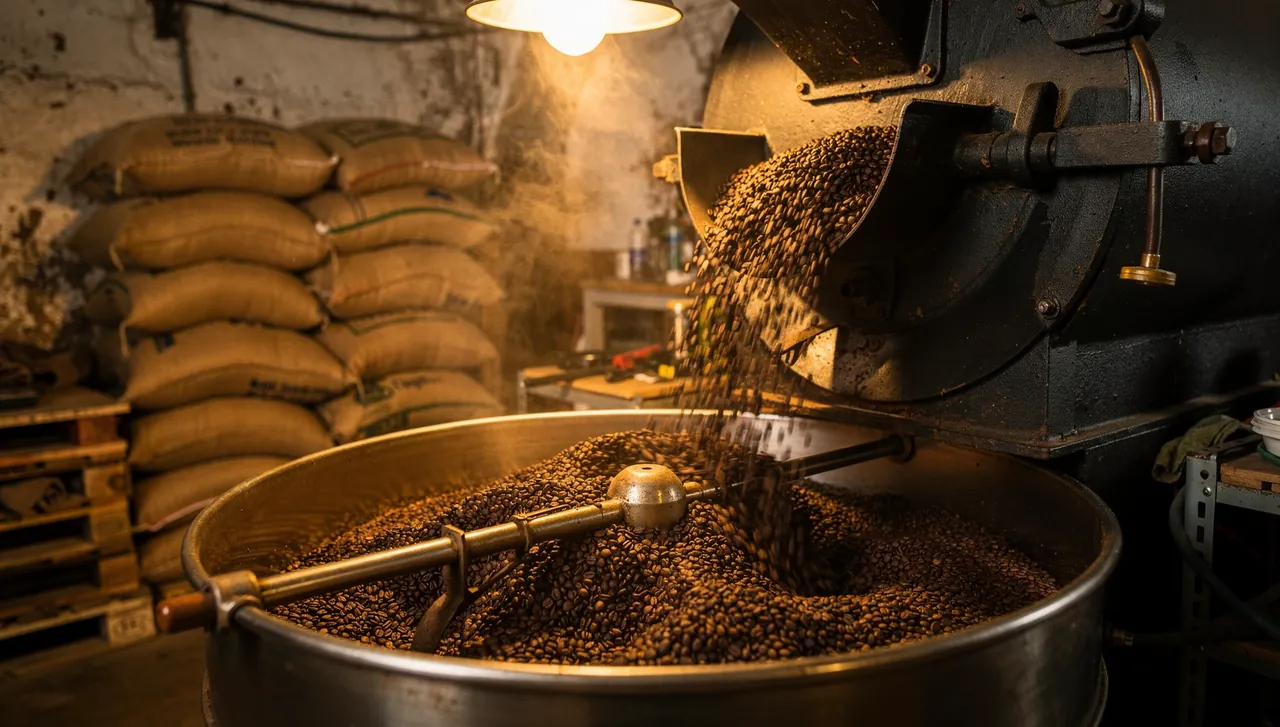
Drag the image to reframe it, or drop your own here
Format
JPG, kept under 5 MB. Your image never leaves your browser.
LinkedIn post image size: portrait, square or landscape?
LinkedIn accepts any image between 3:1 (wide) and 4:5 (tall), at least 552 × 276 pixels, and recommends 1080 pixels wide. Anything outside the range is centred and cropped to the nearest ratio. In practice, three sizes cover everything:
- 1080 × 1350, portrait (4:5)The tallest LinkedIn shows, so the most room in the feed, on a phone especially. The one to pick for a single image.
- 1080 × 1080, square (1:1)Looks the same on desktop and phone, and suits text graphics and quotes.
- 1200 × 627, landscape (1.91:1)The link preview ratio. Fine for screenshots and wide photos, but the smallest of the three on a phone.
Files can be up to 5 MB, in JPG, PNG, GIF or WEBP (WEBP now works on every device; HEIC only from an iPhone). LinkedIn's image upload also caps the resolution at 36 megapixels.
Posts with 2, 3 or 4 and more images
A post can hold up to 20 images. In a multi-image post each picture is shown at 4:5 at most, for example 640 × 800, and the layout follows the first image: crop them all to the same ratio, 1080 × 1350 or 1080 × 1080, so the grid stays even. A post carries either images or a link preview, never both.
LinkedIn carousel size: PDF document posts
The swipeable "carousels" people post on LinkedIn are documents: a PDF, PowerPoint or Word file uploaded to a post. LinkedIn sets no pixel size for them, only rules:
- Up to 100 MB and 300 pagesOne document per post.
- Every page the same sizeLinkedIn asks for one page size throughout: fit the odd pages to it before you upload.
- A size that reads on a phoneSquare or portrait pages, like 1080 × 1080 or 1080 × 1350, keep the text large when the post is read on a phone.
Real carousels, with separate cards, exist only in LinkedIn ads: LinkedIn's API doesn't support them for organic posts.
How to post a carousel on LinkedIn
- 1. Design every page at one size1080 × 1350 or 1080 × 1080 in Canva, Figma, Keynote or PowerPoint. Large type: each page is read at phone width.
- 2. Export it as a PDFOne file, up to 100 MB and 300 pages. Ten pages or fewer is plenty for most posts.
- 3. Add it to a postIn the post composer, pick the option to add a document, upload the PDF and give it a title. The title shows above the pages.
- 4. Write the post and publishThe text above the document does the work of a caption: say what the reader gets by swiping.
The first page acts as the cover in the feed, so treat it like a thumbnail: one line, big, and a reason to swipe.
Link preview image size
When you share a link, LinkedIn shows the page's preview image at 1.91:1, or 1200 × 627 pixels. It has to be more than 200 pixels wide, or it shows as a small thumbnail to the left of the title. Images of other ratios are shown whole, with white padding, rather than cropped.
Scheduling tools have one more constraint: LinkedIn's API doesn't fetch the preview from the page, so a scheduled link only gets a picture if the tool uploads one. Breakreach doesn't build link previews yet: the link goes out as text.
 Breakreach
Schedule LinkedIn posts at the right size. Breakreach publishes text and an image to your LinkedIn profile at the time you pick, from ChatGPT, Claude or the calendar. Company Pages, documents and video aren't supported yet.
Schedule a LinkedIn post4 queue slotsInside the roastery11:00 AMRoastery1:00 PM Pour-over12:00 PM
Profile photo, banner and Company Page sizes
| Image | Size | Limits |
|---|---|---|
| Profile photo | 400 × 400 at least | Up to 7680 × 4320 and 8 MB, PNG or JPG. Shown as a circle. |
| Profile background | 1584 × 396 (4:1) | Up to 8 MB. Your photo covers its lower left. |
| Company Page logo | 400 × 400 | At least 268 × 268, up to 3 MB, PNG or JPEG. |
| Company Page cover | 1512 × 256 | Up to 3 MB. Keep key details away from the edges, especially the lower right. |
| Article cover | 1920 × 1080 | Cropped to 16:9. JPG, PNG or WEBP, no GIF. |
| Newsletter logo | 300 × 300 |
The Company Page cover changed twice in two years: 1128 × 191 until 2024, 4200 × 700 in early 2026, and 1512 × 256 now. Many guides still give the old sizes.
LinkedIn video sizes
LinkedIn takes videos from 256 × 144 to 4096 × 2304, at any ratio between 1:2.4 and 2.4:1, so 16:9, 1:1, 4:5 and 9:16 all work. Uploaded from the app: up to 15 minutes, 75 KB to 5 GB, 10 to 60 frames per second. Through the API that scheduling tools use: up to 30 minutes and 500 MB, MP4 only. LinkedIn advises keeping the edges of the video free of text and logos.
Alt text, GIFs and file types
Every image in a LinkedIn post can carry alternative text, the description screen readers read aloud: add it from the image editor before you post. It helps people who can't see the picture, and costs a sentence.
LinkedIn takes JPG, PNG, GIF and WEBP images in posts, HEIC from an iPhone. An animated GIF plays in the feed, up to 500 frames or 36,152,320 pixels in total. Article covers are the exception: no GIFs there.
Posting images through a scheduling tool
Tools that publish for you go through LinkedIn's API, which has its own limits. Most match the app; a few are stricter:
- ImagesJPG, PNG or GIF, under 36,152,320 pixels. WEBP isn't listed for the API, so export JPG.
- Several images2 to 20 per post, as in the app.
- VideoMP4 only, 3 seconds to 30 minutes, up to 500 MB instead of 5 GB.
- DocumentsUp to 100 MB and 300 pages, as in the app.
- Link previewsNot fetched from the page: the tool has to upload the 1200 × 627 image itself.
A post carries either a link preview or images, never both. When the picture matters more than the preview card, post the image at 1080 × 1350 and put the link in the text.
Why your LinkedIn image looks blurry or cropped
- It's narrower than 1080 pixelsLinkedIn enlarges it for the feed, and it goes soft. Export at 1080 wide.
- It's taller than 4:5 or wider than 3:1LinkedIn crops it around the centre. Crop it yourself first to choose what stays.
- It's one of several imagesMulti-image posts show each picture at 4:5 at most, whatever its own ratio.
- It's over 5 MBThe upload fails. A 1080 × 1350 JPG at high quality is well under the limit.
Sizes, answered.
Short answers about image and video sizes on LinkedIn.
1080 × 1350 pixels (4:5) takes the most room in the feed. Square 1080 × 1080 and landscape 1200 × 627 also work. LinkedIn accepts ratios from 3:1 to 4:5 and recommends 1080 pixels wide.
For an image post, 1080 pixels wide at a ratio between 3:1 and 4:5, up to 5 MB. Portrait 1080 × 1350 is the tallest LinkedIn shows.
It can be: 16:9 is within LinkedIn's 3:1 to 4:5 range. But on a phone a 16:9 image is small; 4:5 or 1:1 take more of the screen.
Yes. It is 16:9, inside the accepted range, and LinkedIn scales it for the feed. Keep the file under 5 MB.
Carousels are document posts: a PDF, PowerPoint or Word file of up to 100 MB and 300 pages. LinkedIn sets no pixel size; keep every page the same size, square or portrait for phones.
Up to 20 in one post. Each is shown at 4:5 at most, laid out from the first image.
1584 × 396 pixels (4:1) for a profile background, up to 8 MB. A Company Page cover is 1512 × 256, up to 3 MB.
At least 400 × 400 pixels, up to 7680 × 4320 and 8 MB, in PNG or JPG. It is shown as a circle.
5 MB for images in posts, 8 MB for profile photos and backgrounds, 3 MB for Company Page images.
Yes, in posts: an animated GIF plays in the feed, up to 500 frames or 36,152,320 pixels. Article covers don't accept GIFs.
It is taller than 4:5 or wider than 3:1, so LinkedIn crops it around the centre, or it is part of a multi-image post, where each image is shown at 4:5 at most.







Put your socials on autopilot.Live in two minutes.
Plans from $29 a month. Cancel anytime.