 Free tool
YouTube tag extractor.See any video's tags, counted like YouTube.
Paste a YouTube link: we read the video's tags from the YouTube Data API and show them in YouTube Studio's Tags field, with YouTube's own count against the 500-character limit, plus the hashtags and category. Plenty of videos have no tags at all, and that's worth knowing too.
Videos, Shorts and live streams. Free, no sign-up.
Tags come from YouTube, through the YouTube Data API. By using this tool you agree to the YouTube Terms of Service.
Tags
Tags can be useful if the content of your video is commonly misspelled.
- Tags
- 27 tags, 495 of 500 characters, counted like YouTube
- Category
- Music
- Hashtags
- #RickAstleyNever #RickAstley #NeverGonnaGiveYouUp #WheneverYouNeedSomebody #OfficialMusicVideo
- Language
- English
- Published
- Oct 25, 2009
Example: a video on YouTube right now
From YouTube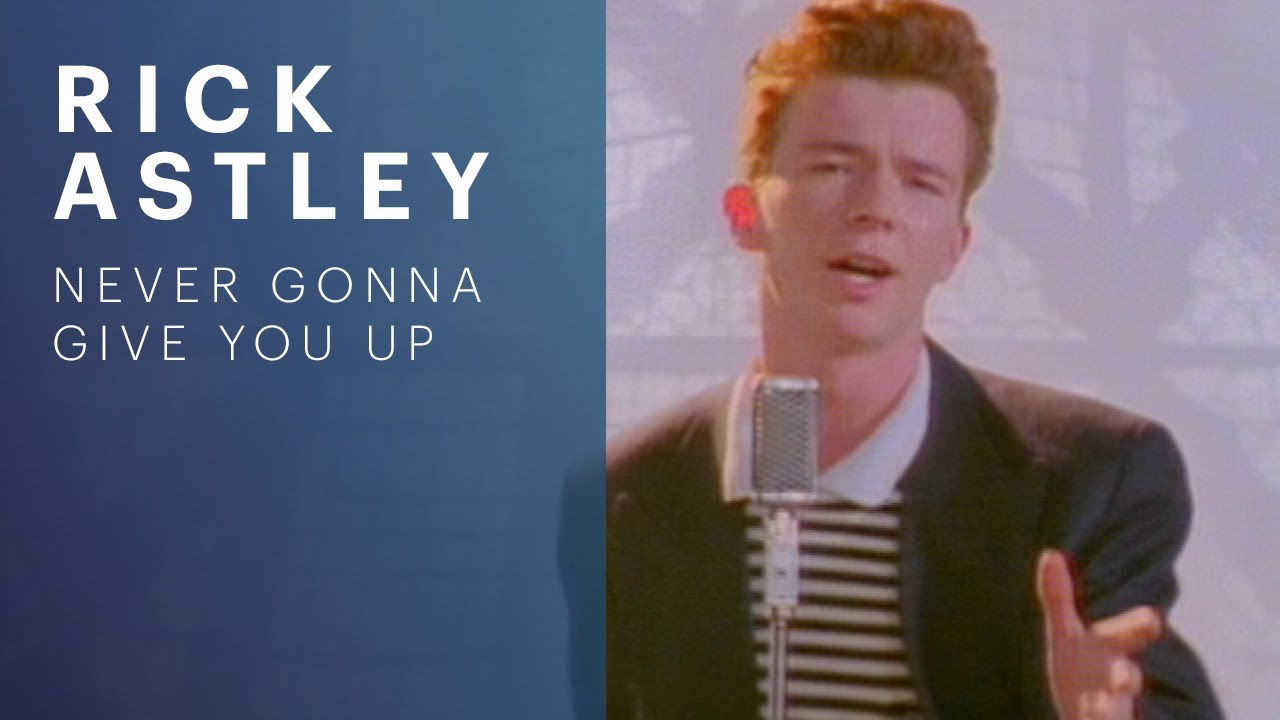 3:34
3:34Rick Astley - Never Gonna Give You Up (Official Video) (4K Remaster)
Rick Astley · 1.8B views
Watch on YouTubeHow to see the tags on a YouTube video
- Copy the video's linkFrom the address bar, or Share > Copy link in the app. Watch pages, youtu.be links, Shorts and live streams all work.
- Paste it above and press Get the tagsThe tags appear in a copy of YouTube Studio's Tags field, in the order the uploader typed them, with the count YouTube would show.
- Copy what's usefulCopy every tag at once, comma-separated and ready to paste, or just the hashtags. Then write your own with the tag generator, which opens on the video's title.
On your own videos you don't need a tool: in YouTube Studio, select Content, then the video, and click SHOW MORE (YouTube Help). On a phone, the extractor above is the quickest way: the YouTube app doesn't show other people's tags.
See a video's tags without a tool
YouTube doesn't show tags on the watch page, but on a computer they're in the page's code:
- Open the page sourceOn the video's page, press Ctrl+U on Windows or Option+Cmd+U on a Mac.
- Search for "keywords":[Press Ctrl+F or Cmd+F. The words in quotes after it are the tags, in the uploader's order.
- Nothing found? There are no tagsDon't trust the <meta name="keywords"> line near the top: on a video without tags, YouTube fills it with generic words like "video, sharing, camera phone".
YouTube can change its page code whenever it likes, and none of this works in the app. The extractor reads the tags from the official YouTube Data API instead.
Why some videos have no tags
Because the channel didn't add any, and YouTube doesn't mind. Its own help page says tags "play a minimal role in your video's discovery", and that they're mostly useful when your subject is often misspelled. The title, thumbnail and description matter more (YouTube Help).
So a video with no tags isn't a mistake, and a video with 40 isn't ahead. When you see an empty field above, it's the real answer: that video found its audience without them.
 Breakreach
Tags sorted? Put the next video on schedule. Breakreach uploads your video to YouTube at the time you pick, with its title and description, from a calendar or from ChatGPT and Claude. Tags go in YouTube Studio once it's up.
Schedule a YouTube videoHow YouTube counts the 500 characters
All the tags on a video share 500 characters, and YouTube counts more than the letters: the commas between tags count, and a tag with a space counts two more, as if it were in quotes (YouTube Data API). The extractor applies the same rule, which is why its count is higher than the letters you see.
| Tags | Letters you see | YouTube's count |
|---|---|---|
| pourover | 8 | 8 |
| pour over | 9 | 11 |
| pourover, pour over | 17 | 20 |
The tag generator's page has the full rule, and writes tags that stay under the limit.
Should you copy another video's tags?
You can read them, and use them as a list of ideas. Copying them wholesale rarely helps:
- Tags don't carry a video's successThe other video ranks for its title, its thumbnail and how people watch it. Its tags play a minimal role, by YouTube's own account.
- Keep the ones that describe your videoA tag that fits their video and not yours brings viewers who leave. Take the words that are true for yours.
- Look for the misspellingsThe most useful thing in someone else's list is a spelling of the subject you hadn't thought of: that's the case where YouTube says tags help.
- Leave out their channel nameTheir brand in your tags describes their video, not yours.
Reading tags is fine: they come from YouTube's official API, which any developer can query. What you do with them is up to the YouTube Terms of Service and YouTube's spam policies, like any metadata you write.
Tags, hashtags and channel keywordsThree different fields.
| Tags | Hashtags | Channel keywords | |
|---|---|---|---|
| Where they're set | The Tags field of each video, in YouTube Studio | In the title or the description, with a # | Once for the whole channel, in the channel's settings |
| Who sees them | Nobody on the watch page | Viewers: up to 3 show by the title (YouTube Help) | Not shown on the channel page |
| Limit | 500 characters for all of them | Over 60, YouTube ignores every one | 500 characters in all |
| In the extractor | Yes, all of them | Yes, from the title and description | No: paste a video link, not a channel |
Tags on YouTube Shorts
Shorts can have tags too, added from a computer through the same YouTube Studio upload as any video (YouTube Help). Paste a /shorts/ link and the extractor reads them. Many Shorts have none, often because they're posted straight from a phone and never opened in YouTube Studio.
Tags, answered.
Short answers about reading the tags of a YouTube video.
Of any public video, yes: paste its link in the extractor. Private videos, and unlisted videos whose link you don't have, can't be read.
Not on the watch page or in the app. They're part of the video's public data, which is why the YouTube Data API returns them and the extractor can show them.
Because its channel didn't add any. That's common: YouTube says tags play a minimal role in discovery, so many creators skip them.
No. The Tags field is still in YouTube Studio, under SHOW MORE on each video, and the limit is still 500 characters. YouTube just says they matter little except for misspellings.
Yes. Tags are returned by YouTube's official Data API for public videos, which is what this tool uses. Use them as ideas and follow YouTube's spam policies for what you put on your own video.
Yes. Paste a /shorts/, /live/ or youtu.be link as it is.
Yes. Copy the link from Share in the YouTube app and paste it here. The app itself doesn't show tags.
Not yet. Channel keywords are a separate field from video tags; the extractor reads videos.
Yes, with no sign-up. It reads up to 40 videos an hour for free.






Put your socials on autopilot.Live in two minutes.
Plans from $29 a month. Cancel anytime.