 MCP servers
Discord MCP servers in 2026.Bots, webhooks, and the one Discord bans.
Discord has no official MCP server for servers and channels: its own MCP only searches the developer documentation. The popular Discord MCP servers run as a bot you create and invite, which reads and posts wherever it's allowed. To post announcements to one channel, a webhook is enough, and that's how Breakreach's hosted connector works. Servers that use your personal account token break Discord's terms.
 Claude
 BreakreachPosting to Discord
create_post
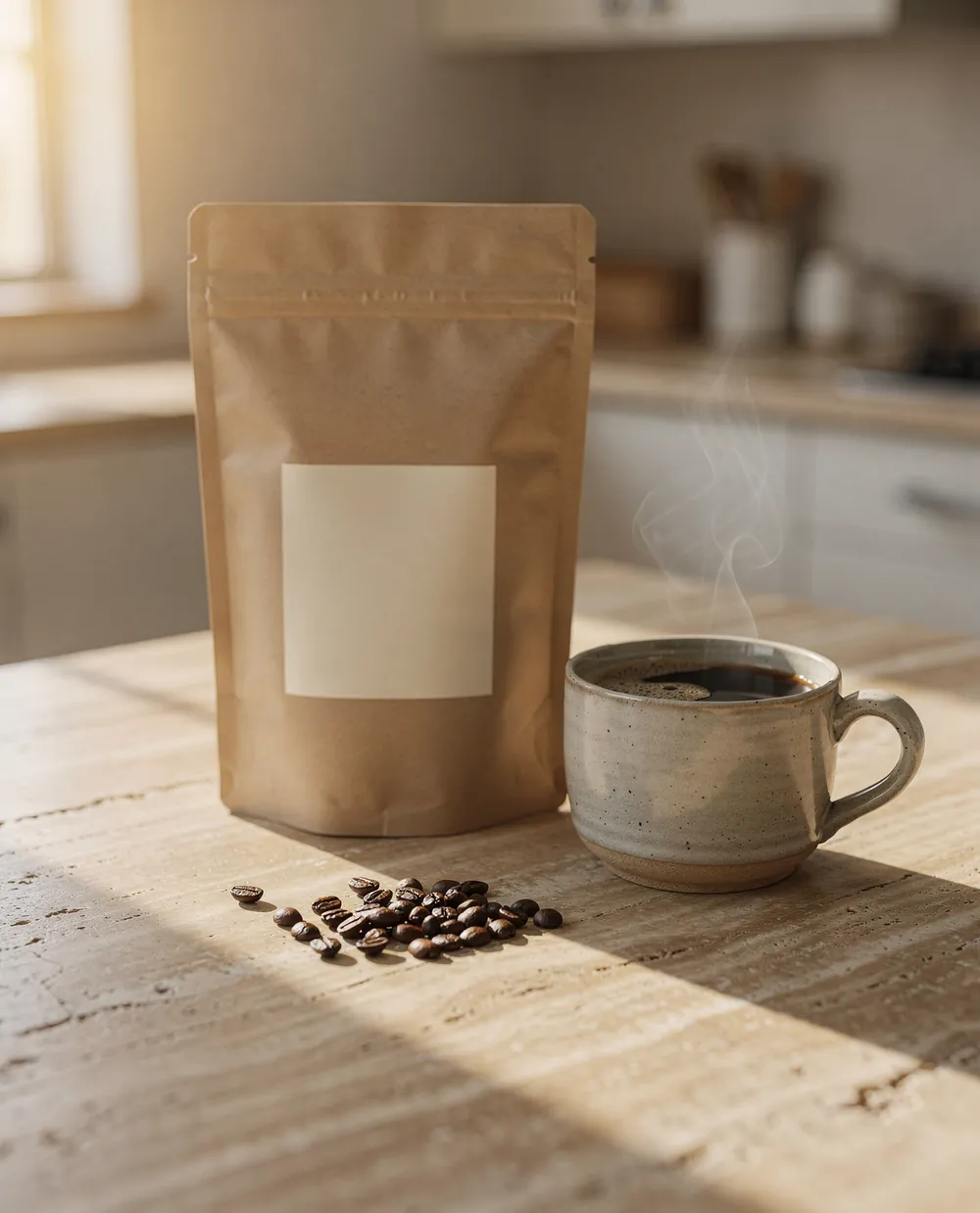
Morning Light is out. Honey, orange and cocoa notes, our lightest roast yet. First bags ship Monday.
Discord MCP servers compared
| How it connects | What it does | Within Discord's rules | |
|---|---|---|---|
| Breakreach | Hosted. A webhook URL for your channel; OAuth from Claude's and ChatGPT's directories | Posts text, up to 4 images and video links to the channel, scheduled | Yes, Webhooks |
| SaseQ/discord-mcp | Open source, runs on your machine. Your own bot's token | Sends, edits and reads messages, DMs, channels, roles, moderation, webhooks | Yes, A bot |
| cappyeo/discord-mcp | Open source. Your own bot's token; writes off until you allow them | 200+ tools: messages, threads, forums, roles, moderation, events, polls | Yes, A bot |
| barryyip0625/mcp-discord, v-3/discordmcp | Open source. Your own bot's token | Send, read and search messages; channels, roles, webhooks | Yes, A bot |
| olivier-motium/discord-user-mcp | Open source. Your personal account's token | Reads and sends messages and DMs as you | No, Its README says so |
| Other schedulers' MCP servers (Postiz, Zernio) | Hosted. Postiz in both directories; Zernio by URL | Channel posts among their other networks | Yes |
 Our recommendation
To post to Discord from an assistant, use Breakreach.We built it, so here's the case.
Connect Discord- Nothing to host and no bot to keep running: a webhook URL from the channel's settings, connected once
- Announcements scheduled from Claude or ChatGPT, with images, alongside the same post on your other networks
- Within Discord's rules, and it can't read your server: a webhook only posts to its channel
When to pick something else. Breakreach only posts: it doesn't read messages, moderate, or manage roles and channels. For a bot that does, SaseQ/discord-mcp or cappyeo/discord-mcp run with your own bot.
The kinds of Discord MCP serverHow each one gets to your account.
A bot you create and invite
SaseQ/discord-mcp, the most-starred Discord MCP server, and most others run with a bot token from the Discord Developer Portal. The bot sees only the servers you invite it to, and reads, posts and moderates as its permissions allow. You host it and keep it running.
Your personal account
A few servers, like olivier-motium/discord-user-mcp, take your user token from the browser and act as you. Discord's support article on self-bots says automating a user account outside the bot API is forbidden and can get the account terminated, and that README says so too.
A webhook
Webhooks post messages to one channel with no bot user. Breakreach uses one you create in the channel's settings: you connect it once, then ask Claude or ChatGPT, and posts go out from our servers at the time you set.
What Discord's API lets a server doThe rules every server works within.
- WebhooksA webhook posts to its channel without a bot user: up to 2,000 characters and 10 embeds per message. Creating one needs the Manage Webhooks permission.
- BotsA bot authenticates with its own token and only sees the servers it's invited to. Reading message content takes a privileged intent you turn on in the Developer Portal.
- Self-botsAutomating a normal user account is against Discord's terms and can end with the account terminated.
What Breakreach's Discord tools doAnd what they don't, yet.
What you can ask for
- Text postsUp to 2,000 characters, sent to the webhook's channel.
- ImagesUp to 4 images, shown as embeds under the text.
- VideoSent as a link, which Discord unfurls into a player.
- SchedulingAt a time you give, or the next free slot of your posting schedule.
Not yet, or not possible
- Reading messages or replies
- Moderation, roles and channel management
- Stats
Set it up in Claude.6 steps, once. ChatGPT works the same way.
- Claude· Customize › ConnectorsConnectorsSearchConnectBreakreachSchedule and publish to 12 social networks
Connectors let Claude use outside tools for you. You can disconnect them at any time.
Claude· Customize › ConnectorsConnectors let Claude use outside tools for you. You can disconnect them at any time.
In Claude Code, Cursor or any MCP clientOne hosted server, OAuth or an API key.
The server lives at https://api.breakreach.com/mcp and speaks Streamable HTTP, so there is nothing to install. Clients that handle OAuth sign you in; others send an API key from Settings → API & MCP.
claude mcp add --transport http breakreach https://api.breakreach.com/mcp{
"mcpServers": {
"breakreach": {
"url": "https://api.breakreach.com/mcp",
"headers": { "Authorization": "Bearer br_YOUR_API_KEY" }
}
}
}What to askThree requests that work on Discord today.
- “Post the Morning Light launch in our announcements channel with the photo, at 10 AM”
- “Send this week's update to Discord and Telegram on Friday morning”
- “Draft a short Discord announcement from these release notes”
Questions, answered.
Short answers about Discord MCP servers.
Not for servers and channels. Discord runs an MCP server for its developer documentation, which searches the docs and can't read or post in servers.
Servers that take your user token act as you, which Discord forbids for normal accounts: its self-bot article says it can get the account terminated. Use a bot or a webhook instead.
To post announcements to one channel, a webhook. To read messages, moderate or manage the server, a bot you create and host.
No. It posts through a webhook, which only sends to its channel.
In Claude: Customize → Connectors → Discover, search Breakreach, Connect. In ChatGPT: Settings → Plugins, search Breakreach, Connect. In Claude Code: claude mcp add --transport http breakreach https://api.breakreach.com/mcp, then /mcp to sign in. Then create a webhook in the channel's settings and connect it in Breakreach.
Creating a Breakreach account and connecting your first social account is free. Scheduling and publishing need a plan, from $29 a month ($23 billed yearly) for 5 accounts.
Keep reading
 Telegram MCP serversBots vs your own account.
 Reddit MCP serversRead, post and flair.
 X MCP serversThe official one doesn't post.
 Best MCP servers for social mediaSeven servers, what each one does.Breakreach for developersREST API, MCP server, webhooks.All MCP servers by networkTwelve networks, sorted.





Put your socials on autopilot.Live in two minutes.
Plans from $29 a month. Cancel anytime.